Google Maps Imagery Update
Tuesday, 20th June 2006 by James Turnbull
The huge image update that was added to Google Earth a couple of weeks ago has started to appear in Google Maps, so get suggesting all those cool new places!
Not sponsored by or affiliated with Google
Tuesday, 20th June 2006 by James Turnbull
The huge image update that was added to Google Earth a couple of weeks ago has started to appear in Google Maps, so get suggesting all those cool new places!


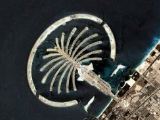


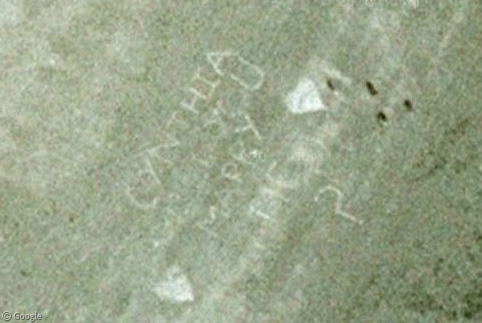
Yey can submit my Dubai sights 😀
Finally! Dubai! Can’t wait 🙂
As stoked as I am for the update I’m a little disapointed Google Maps decided to replace the very clear summer time imagery of my home town with very blurry winter images. 🙁
Heads to Dubai
Sorry for the double post but after taking a look around I must say that I am astonished! This is massive update! Africa, Russia, China, India and Australia all have huge portions covered in Hi-res. It’s almost too much… almost. Way to go GM!:-D
I agree Babaganoosh, the amount of new stuff is totally overwhelming… Can’t wait to see what people turn up!
“Africa, Russia, China, India and Australia “
wow! should be very very interesting.
bit dissapointed that a big chunk of southern England (where i live) is still not hi-res though.
I have been waiting for the lines of Nazca in Peru to appear and I FOUND THEM!!! I sent the link in so hopefully we will see it soon here on google sightseeing.